Setting Up Dev Environment with Webpack 3

JavaScript
Setting Up Dev Environment with Webpack 3

Image generated by ChatGPT (DALL·E)

I observe as some people still write ancient ES5 syntax of JavaScript and it’s disheartening. I wonder what keeps them from moving forward. Some must be driven by psychological inertia, but some likely just find it to complex to make their new syntax running in a wide range of browsers. In fact, nowadays we may not fear about it anymore. One can set up a dev environment where tools decide what transformations requires the code and what polyfills to load depending on selected target (list of user agents to support). The only thing one needs to start “a new life” is a proper setup. That’s what the article is about.

JavaScript Modules in 2017: Where We Stand and What’s Next

JavaScript
JavaScript Modules in 2017: Where We Stand and What’s Next

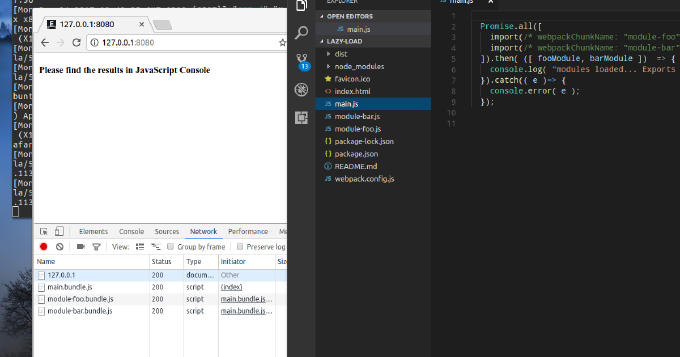
When talking about modules in terms of JavaScript what come on the mind first are CommonJS and AMD. Yet, its 2017 and we have the native module system in JavaScript. We have already Google Chrome, bundlers and loaders that resolve ES2015 modules. Besides by using Webpack we can combine dynamic and compiled modules to improve user response time. This blog post introduces the reader into JavaScript modules in general and into ES2015 module system in particular. It also explains how one can split the application into modules where some are bundled and some loaded on demand.