Leveraging HTML5.2 for More Functional and Interactive Web Apps
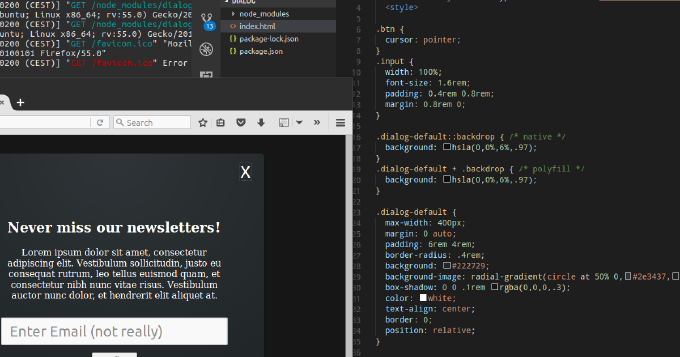
Whats common among UI components like expandable, collapse, dropdown menu, tree navigation, popover? You can achieve all of them by using HTML elements details and summary. Moreover, you can leverage dialog element to build modals, overlays and dialog windows. You can utilize input types such as week, month, datetime, datetime-local instead of plugging in 3rd-party datepickers. You can make img element load images from different sources depending on viewport, DPI, mobile device orientation or browser support for new graphical types. Not all of these features are fully supported by popular user-agents. Yet we can enable them already with polyfills. So why struggle with outdated libraries for common repeating tasks? Why not embrace the power of standardized built-in browser elements? This article describes the new elements of HTML and shows usage examples natively and with polyfills.