Items in category how to

Enhancing UX with LQIP: How to Build an Awesome Image Preview

How to
Enhancing UX with LQIP: How to Build an Awesome Image Preview

Images in HTML, what could be easier? However when you have many of them on a page, they do not appear immediately. That depends on caching strategy and bandwidth, but still if you don’t take a special care it may look quite ugly. Basically we need to fill in the slots with something appropriate while images are loading. In other words we need placeholders. Probably the most prominent technique here is LQIP (low quality image placeholder). It was adopted by Google, Facebook, Pinterest, Medium and others. The idea is to load page initially with low quality images and once the page is fully loaded replace them with full quality ones. As placeholder one can use embedded transparent SVG, spinner animated image, solid color, blurred and minified original image. But even more, with modern tools we can do something really fancy. For example, we can use images shape or silhouette as a placeholder. Moreover, we can generate Data-URLs with desired effect during the build and address from IMG tag.

Puppeteer for E2E Testing: How to Automate Your Web Tests

How to
Puppeteer for E2E Testing: How to Automate Your Web Tests
Image generated by ChatGPT (DALL·E)

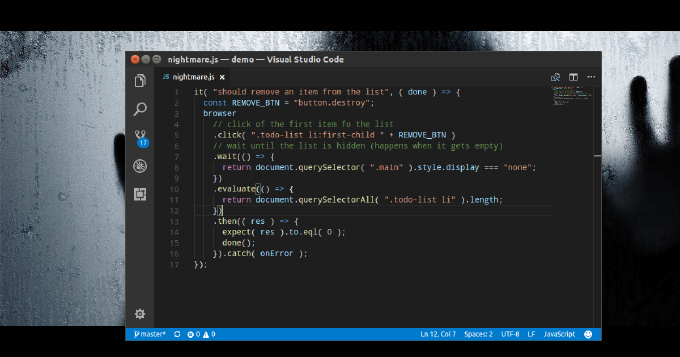
A sound application architecture doesnt resist to changes, but welcomes them. Yet it still doesnt guarantee that the code is unbroken after we implement new features, making fixes or refactoring. Here we run automated tests to ensure that the app integrity didnt suffer. So we write unit-tests to check if separate objects, methods, functions work property independently. With integration tests we ensure they play as designed together. Eventually we create system tests to find out if the entire system meets our business requirements. The last one is also known as E2E testing and covers different aspects such functionality, GUI/Usability, security performance. As for functional testing I have already published a few articles sharing my experience with such tools as Nightmare and Zombie.js. They both provide nice programming experience, but still have their drawbacks. Then I asked myself what could serve me better? What I need is an execution environment accessible from both command-line interface and in a browser. Thus I can run the tests during CI (e.g. by Jenkins), but still use interactive mode while debugging the tests. Besides I prefer to have access to the latest features emerging with evergreen browsers. That makes me think of Headless Chrome. Does it have a Node.js API? It turned out it does. The library is called Puppeteer and its truly amazing. Below we are going to examine it by writing a test suite for an RWD demo app with a form.


Nightmare of End-to-End Testing

How to
Nightmare of End-to-End Testing

Modern application get complex, we cannot go without automated testing. The canonical agile testing quadrants are split to technology-facing and business-facing tests. As for technology-facing testing I believe nowadays everybody has dealt with unit-tests. Thus we make sure that the smallest parts of the system act as intended in isolation. Also we use component tests to verify the behavior of large parts of the system and integration tests to check if communication between object isnt broken. The entire quadrant is all about programmer low-level tests proving that the code meets all the design requirements. These tests are meant to control internal quality, to minimizes technical debt, and to inform dev-team members of a problem of early stages.

Business-facing (or acceptance) tests describe the system in non-programming terms and they ignore the component architecture of the system. Here we know testing techniques such as functional, story-based, prototypes, simulations. Apparently in web-development the most demanded approach is end-to-end testing. This one is performed on the application level and tests whether the business requirements are met regardless of app internal architecture, dependencies, data integrity and such. Actually we make the test runner to follow the end-user flows and assert they get the intended experience.


10 Things You Need to Know About CSS

How to
10 Things You Need to Know About CSS
Image generated by ChatGPT (DALL·E)

CSS may look as a simple language. In fact it can be simple only to use, but definitely not simple to maintain.Everybody who used to work on a large-scale projects knows how hard it can be to keep constantly growing CSS sources readable and consistent, styles reusable and loosely coupled. Moreover while going responsive web design (RWD) we also deal with increasing cyclomatic complexity. Learning from own experience I collected 10 vital principles that help turning your styles into efficient and highly maintainable code.

Mastering Responsive Web Design with HTML5

How to
Mastering Responsive Web Design with HTML5
Image generated by ChatGPT (DALL·E)

While the variety of computer monitor shapes and sizes steadily expands Responsive Web Design (RWD) is rather a matter of survival. Its hardly someone was thinking about RWD when the first specs on HTML and CSS where written. However now a lot of work done to provide a native way of achieving RWD, to bring fast and consistent solutions.

This article presents hands-on examples of generic RWD tasks implemented with such W3C modules as CSS Flexible Box, CSS Grid Layout, CSS Regions, CSS Multi-column Layout. It also demonstrates use of position sticky, srcset attribute and fallbacks on webP.

Review: PHP Application Development with NetBeans

How to
Review: PHP Application Development with NetBeans

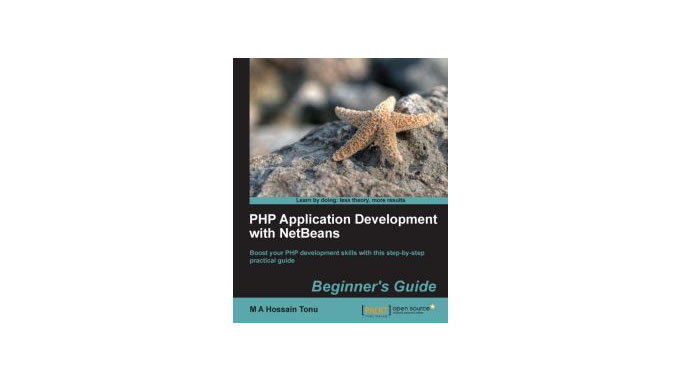
Recently Ive laid my hands on a copy of PHP Application Development with NetBeans by M A Hossain Tonu (www.PacktPub.com). It appeared to be a really nice reading. One of those where its hard to put the book down until the end. It must be valuable as for beginners as for experienced NetBeans users. I, personally, have been using NetBeans for about 4 years and still find in the book the features I wasnt aware about or unfairly ignored for so long. Yeah, NetBeans is like an iceberg. At the first glance it looks quite simple, but the deeper you are, the more layers you discover. After years of usage you still can run into an overlooked tool which remarkably boosts your coding productivity. In order to avoid the case Why didnt I use it for all this time?!, I would even call it as a must-read book for anybody working with NetBeans. Besides, covering the common facilities of NetBeas the books provides comprehensive input regarding automated-testing flow, version control integrated tools on Git example, PHPDoc practices and API-documentation generation.

My lovely Mac OS X web-development environment

How to
My lovely Mac OS X web-development environment

A few months ago I bought a new Macbook. I’m really fond of the development environment I set up on it. The more I work with it, the more I love it. However, while building the environment I couldn’t find any decent step-by-step manual. So, it took me for a while to get what I wanted. Here’s my experience

Support Request Tool like Google Feedback

How to
Support Request Tool like Google Feedback
Image generated by ChatGPT (DALL·E)

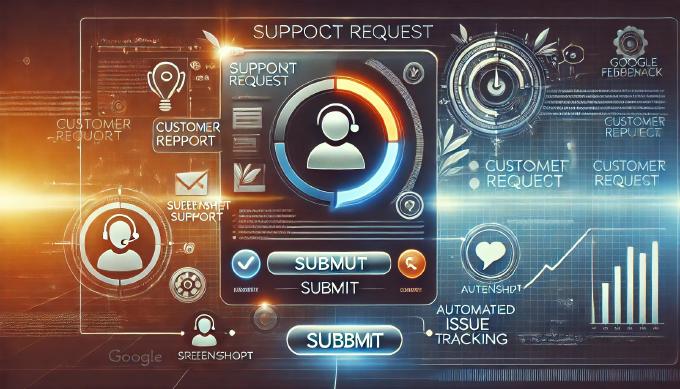
Have you ever noticed Google+ has an amazing feature called Google Feedback. You click on feedback highlight an area of the site page and getting screenshot with your marking on it sent to the Google support team. If you wonder of having this tool on your own, just take my code and adapt for your requirements.

When Great Ideas Meet Bad Code: A Look at Drupal

How to
When Great Ideas Meet Bad Code: A Look at Drupal
Image generated by ChatGPT (DALL·E)

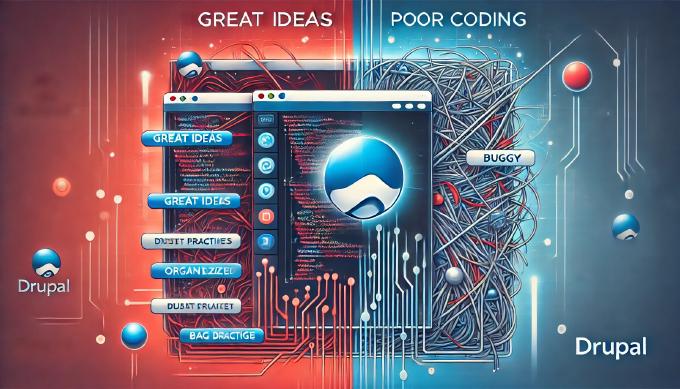
Working with Drupal for half of year and constantly tuning it for better maintainability, code consistency I came to the idea – Drupal is going to be a toy, a pretty popular but only toy, unless they decide to rewrite everything from the scratch. Studying Drupal 7 I find the CMS wasn’t really refactored. They dramatically improved administrator panel, included CCK/ImageCache into the core, added file handlers and Unit-test framework. However it’s still a mess of coding styles and approaches. You can enter any module folder and you’ll find bunch files with no concern separation. View components, business logic, helpers, domain entities – all can be met in the same file. I understand that laying strict requirements on modules would affect the army of contributors. But anyway with Drupal 7 all the modules must be rewritten. Maybe the committee just can’t agree on a structuring strategy. As for me, it must be like that.

From Chaos to Control: Improving Your PHP Error Handling Workflow

How to
From Chaos to Control: Improving Your PHP Error Handling Workflow
Image generated by ChatGPT (DALL·E)

However fondly you treat your application, errors happen and they happen often when it is being developed. That’s obvious you want to get all the tracing information during the development stage and something like ‘Application Error’ page if the error occurs on the production.

Everybody knows error handler can be set in PHP through set_error_handler. The same about exceptions for which set_exception_handler is used. But it really works only for user-defined errors and uncaught exceptions. It doesn’t affect any of fatal error for instance. Well, PHP has such stuff as register_shutdown_function to deal with them. We can create ErrorHandler class and subscribe the handlers in the beginning of the script

Source Code Analysis: Code Sniffer

How to
Source Code Analysis: Code Sniffer
Image generated by ChatGPT (DALL·E)

In the previous article we examined the only way of code analysis – PHP tokinizer. But digging deeper you’ll find many of options. Well-known expert of the subject Sebasitan Bergmann points out following.

As far as you see, with such a set of tools you can do whatever you want. But here we are going to discuss the only application, which is known as code sniffing.

Ok, you have some team, working on the projects and, obviously, you have some code convention to adhere. The lead, making code review, checks the compliance with standards by sight. Common, tell me you are not fond of it. There is an amazing tool but again by Sebastian Bergmann so-called PHP CodeSniffer.

From Code to Content: Measuring Translation Coverage in Your Project

How to
From Code to Content: Measuring Translation Coverage in Your Project
Image generated by ChatGPT (DALL·E)

Let’s assume our application has a UI translation module. We created dictionary and use terms from there within the code of application components. Everything is clear so far. But one day we begin to suspect that not all of the terms presented in the dictionary are really used within the application. Besides, probably some of terms which are used in components are not available in the dictionary. So we need a script to traverse all the source code files searching translation module use occurrences. Having the list of all encountered terms the script can compare it with the terms of the dictionary.