Leveraging HTML5.2 for More Functional and Interactive Web Apps

HTML5
Leveraging HTML5.2 for More Functional and Interactive Web Apps
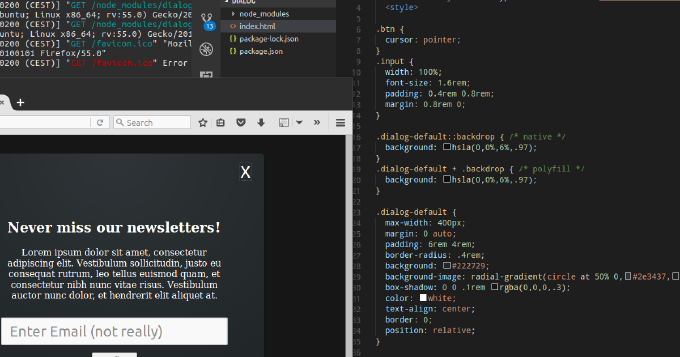
Image generated by ChatGPT (DALL·E)

Whats common among UI components like expandable, collapse, dropdown menu, tree navigation, popover? You can achieve all of them by using HTML elements details and summary. Moreover, you can leverage dialog element to build modals, overlays and dialog windows. You can utilize input types such as week, month, datetime, datetime-local instead of plugging in 3rd-party datepickers. You can make img element load images from different sources depending on viewport, DPI, mobile device orientation or browser support for new graphical types. Not all of these features are fully supported by popular user-agents. Yet we can enable them already with polyfills. So why struggle with outdated libraries for common repeating tasks? Why not embrace the power of standardized built-in browser elements? This article describes the new elements of HTML and shows usage examples natively and with polyfills.
JavaScript Modules in 2017: Where We Stand and What’s Next

JavaScript
JavaScript Modules in 2017: Where We Stand and What’s Next

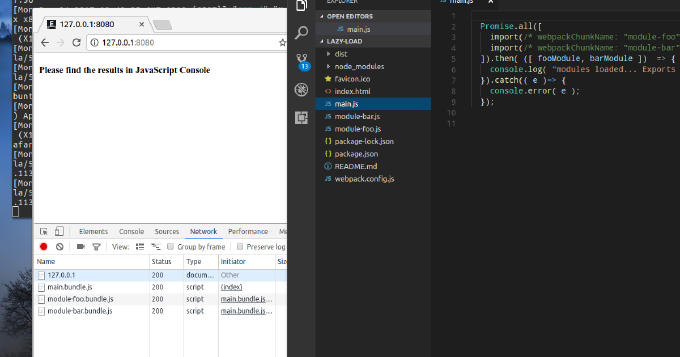
When talking about modules in terms of JavaScript what come on the mind first are CommonJS and AMD. Yet, its 2017 and we have the native module system in JavaScript. We have already Google Chrome, bundlers and loaders that resolve ES2015 modules. Besides by using Webpack we can combine dynamic and compiled modules to improve user response time. This blog post introduces the reader into JavaScript modules in general and into ES2015 module system in particular. It also explains how one can split the application into modules where some are bundled and some loaded on demand.


Stop Bugs Before They Happen: Function Guards in JavaScript

JavaScript
Stop Bugs Before They Happen: Function Guards in JavaScript

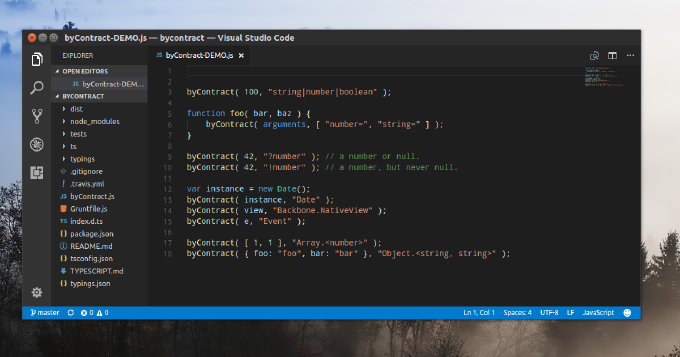
As developers we spend a lot of our time on debugging and particularly on spotting the source of a problem. DevTools guides us though the call stack, but the tracing process can be still pretty time consuming, especially on a cascade of asynchronous calls. The remedy here is early problem reporting.

Nightmare of End-to-End Testing

How to
Nightmare of End-to-End Testing

Modern application get complex, we cannot go without automated testing. The canonical agile testing quadrants are split to technology-facing and business-facing tests. As for technology-facing testing I believe nowadays everybody has dealt with unit-tests. Thus we make sure that the smallest parts of the system act as intended in isolation. Also we use component tests to verify the behavior of large parts of the system and integration tests to check if communication between object isnt broken. The entire quadrant is all about programmer low-level tests proving that the code meets all the design requirements. These tests are meant to control internal quality, to minimizes technical debt, and to inform dev-team members of a problem of early stages.

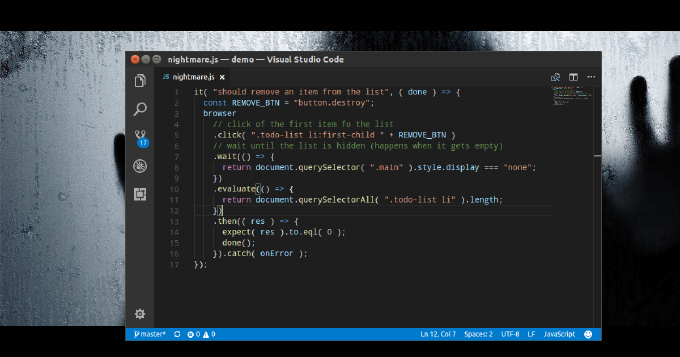
Business-facing (or acceptance) tests describe the system in non-programming terms and they ignore the component architecture of the system. Here we know testing techniques such as functional, story-based, prototypes, simulations. Apparently in web-development the most demanded approach is end-to-end testing. This one is performed on the application level and tests whether the business requirements are met regardless of app internal architecture, dependencies, data integrity and such. Actually we make the test runner to follow the end-user flows and assert they get the intended experience.