Items in category developer tools

From Zero to Blog: Getting Started with Hugo
Developer Tools
From Zero to Blog: Getting Started with Hugo
Image generated by DALL·E

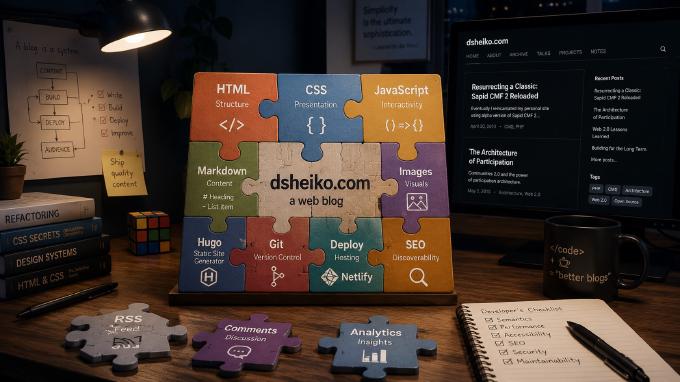
Eventually I finished redesign of this blog. I migrated from a self-made CMS to... a static site generator. It turned out to be not just more secure, reliable and faster, but also it gave me more flexibility. I’ve chosen Hugo, `world’s fastest` and extremely popular site generator. It has fully justified my trust. So I decided to share my experience of building a blog with Hugo.
Optimizing Your Dev Workflow with Webpack 3

Developer Tools PHP
Optimizing Your Dev Workflow with Webpack 3

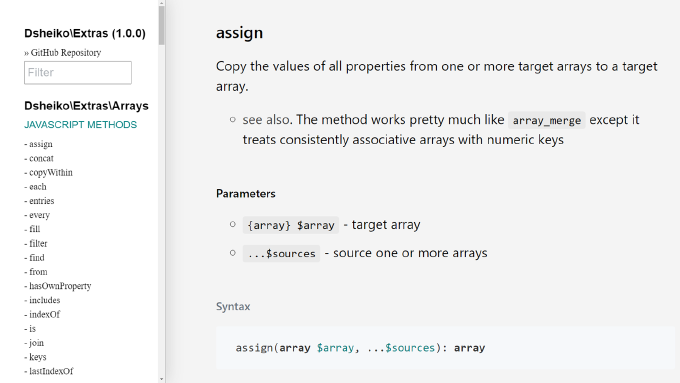
I’ve been working with PHP since 2000 and with JavaScript even longer. Over last decade JavaScript evolved drastically. It had a promising design from the very beginning and gained its current incredible shape with the shift to ES2015 (Harmony). PHP though didn’t change that much. Apparently it’s doomed always to suffer from its own legacy. It arrived in middle 90s as a simple CGI app to maintain Rasmus Lerdorf’s home page and have been more like spontaneously developing ever since. That resulted in syntax inconsistency, mix of functional and OOP-based assets, and absence of a decent language specification. So every time I switch to PHP I’m missing rationality, predictability and flexibility of JavaScript. This made me consider a library, which would bring JavaScript-like development experience to PHP. Eventually I came up with Extras, which extends PHP types with JavaScript (besides with Underscore) methods, unlocks chaining and introduces PlainObject type representing object-literal.

Setting Up Dev Environment with Webpack 3

Developer Tools
Setting Up Dev Environment with Webpack 3
Image generated by Gemini

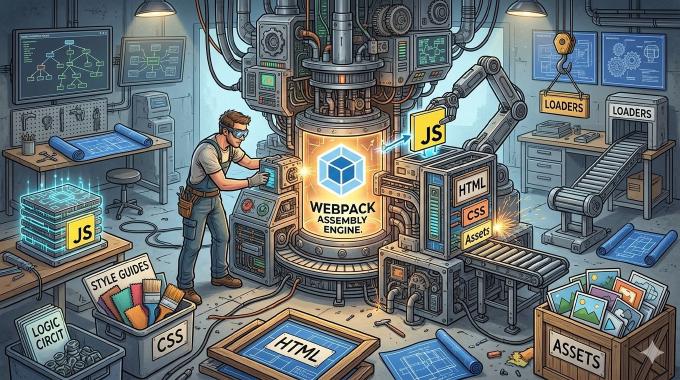
I observe as some people still write ancient ES5 syntax of JavaScript and it’s disheartening. I wonder what keeps them from moving forward. Some must be driven by psychological inertia, but some likely just find it to complex to make their new syntax running in a wide range of browsers. In fact, nowadays we may not fear about it anymore. One can set up a dev environment where tools decide what transformations requires the code and what polyfills to load depending on selected target (list of user agents to support). The only thing one needs to start “a new life” is a proper setup. That’s what the article is about.


Seamless Development: Mastering Live Reload

Developer Tools
Seamless Development: Mastering Live Reload
Image generated by Gemini

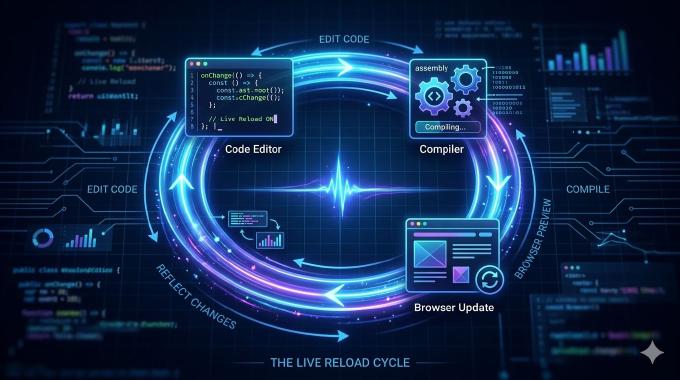
We all are taught not to repeat ourselves while coding.. Nonetheless we keep repeating the same operation over and over – pressing F5/Ctrl-R for browser reload every time we have to examine the results of our last changes. After watching some of Paul Irish screencasts where he was showing the magic of live reload under Sublime Text 2 I wondered if I could employ something alike while keeping working with my beloved NetBeans IDE. However in my case it wouldn’t be enough just to reload the page when any of watched files change. I need to compile SASS sources, combine atomic JavaScript chunks into a single module and sometimes flush the application cache.

Eventually I found a tool meeting all requirements I have.

Support Request Tool like Google Feedback

Developer Tools
Support Request Tool like Google Feedback
Image generated by DALL·E

Have you ever noticed Google+ has an amazing feature called Google Feedback. You click on feedback highlight an area of the site page and getting screenshot with your marking on it sent to the Google support team. If you wonder of having this tool on your own, just take my code and adapt for your requirements.

Source Code Analysis: Code Sniffer

Developer Tools
Source Code Analysis: Code Sniffer
Image generated by DALL·E

In the previous article we examined the only way of code analysis – PHP tokinizer. But digging deeper you’ll find many of options. Well-known expert of the subject Sebasitan Bergmann points out following.

As far as you see, with such a set of tools you can do whatever you want. But here we are going to discuss the only application, which is known as code sniffing.

Ok, you have some team, working on the projects and, obviously, you have some code convention to adhere. The lead, making code review, checks the compliance with standards by sight. Common, tell me you are not fond of it. There is an amazing tool but again by Sebastian Bergmann so-called PHP CodeSniffer.

From Code to Content: Measuring Translation Coverage in Your Project

Developer Tools PHP
From Code to Content: Measuring Translation Coverage in Your Project
Image generated by DALL·E

Let’s assume our application has a UI translation module. We created dictionary and use terms from there within the code of application components. Everything is clear so far. But one day we begin to suspect that not all of the terms presented in the dictionary are really used within the application. Besides, probably some of terms which are used in components are not available in the dictionary. So we need a script to traverse all the source code files searching translation module use occurrences. Having the list of all encountered terms the script can compare it with the terms of the dictionary.