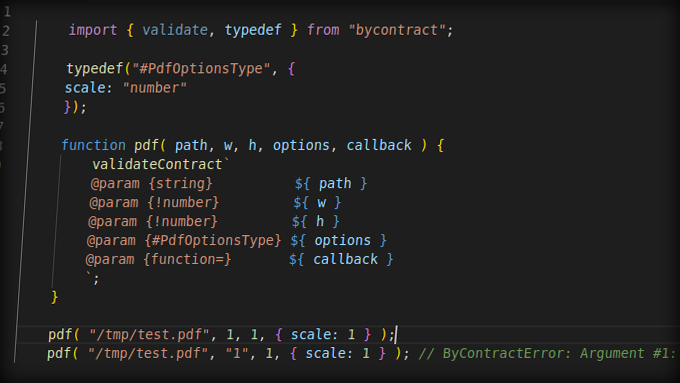
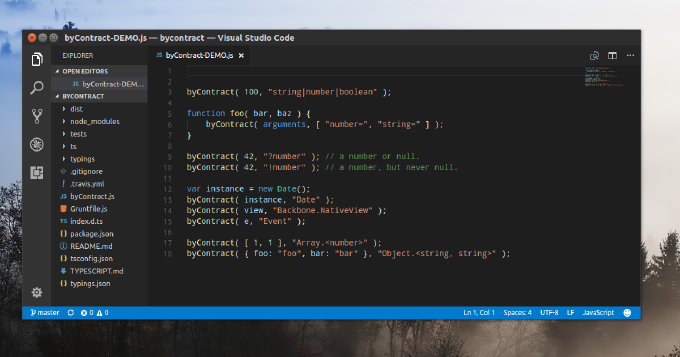
In software engineering we try to discover and eliminate bugs as soon as possible. One of most important heuristics here is validation of input/output on functions and methods. If you are going with TypeScript or Flow, you are fine. But if not? Then we have to manually validate at least input (arguments). But what would be the best way doing it?
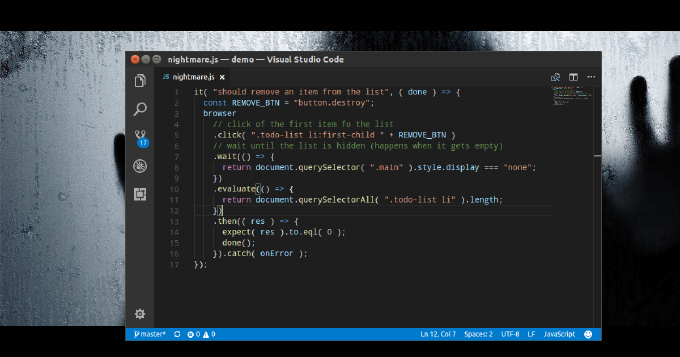
A sound application architecture doesnt resist to changes, but welcomes them. Yet it still doesnt guarantee that the code is unbroken after we implement new features, making fixes or refactoring. Here we run automated tests to ensure that the app integrity didnt suffer. So we write unit-tests to check if separate objects, methods, functions work property independently. With integration tests we ensure they play as designed together. Eventually we create system tests to find out if the entire system meets our business requirements. The last one is also known as E2E testing and covers different aspects such functionality, GUI/Usability, security performance. As for functional testing I have already published a few articles sharing my experience with such tools as Nightmare and Zombie.js. They both provide nice programming experience, but still have their drawbacks. Then I asked myself what could serve me better? What I need is an execution environment accessible from both command-line interface and in a browser. Thus I can run the tests during CI (e.g. by Jenkins), but still use interactive mode while debugging the tests. Besides I prefer to have access to the latest features emerging with evergreen browsers. That makes me think of Headless Chrome. Does it have a Node.js API? It turned out it does. The library is called Puppeteer and its truly amazing. Below we are going to examine it by writing a test suite for an RWD demo app with a form.
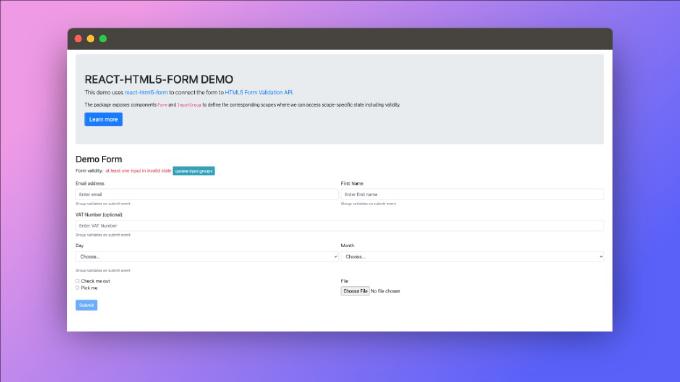
When we talk about user input within a web app we often think first of HTML forms. Web forms have been available with the very first editions of HTML. Apparently the feature was introduced already in 1991 and standardized in 1995 as RFC 1866. We use them everywhere, with almost every library and framework. But what about React? Facebook gives a limited input on how to deal with forms . Mainly its about subscribing form and controls for interaction events and passing state with value property. So form validation and submission logic is up to you. Decent UI implies you cover such logic as on submit/on input field validation, inline error messaging, toggling elements depending on validity, pristine, submitting states and more. Cannot we abstract this logic and simply plug it in our forms? Definitely we can. The only question is what approach and solution to pick up.
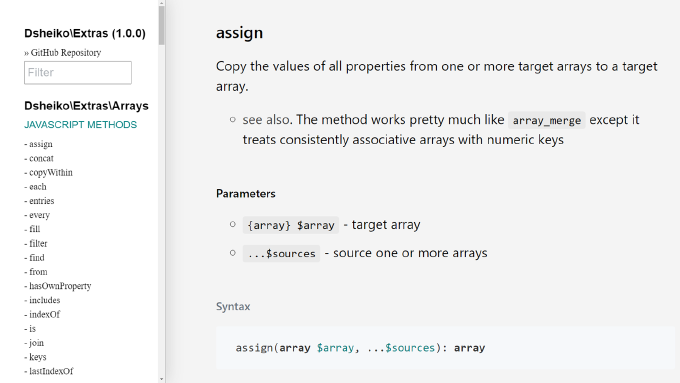
I’ve been working with PHP since 2000 and with JavaScript even longer. Over last decade JavaScript evolved drastically. It had a promising design from the very beginning and gained its current incredible shape with the shift to ES2015 (Harmony). PHP though didn’t change that much. Apparently it’s doomed always to suffer from its own legacy. It arrived in middle 90s as a simple CGI app to maintain Rasmus Lerdorf’s home page and have been more like spontaneously developing ever since. That resulted in syntax inconsistency, mix of functional and OOP-based assets, and absence of a decent language specification. So every time I switch to PHP I’m missing rationality, predictability and flexibility of JavaScript. This made me consider a library, which would bring JavaScript-like development experience to PHP. Eventually I came up with Extras, which extends PHP types with JavaScript (besides with Underscore) methods, unlocks chaining and introduces PlainObject type representing object-literal.
I observe as some people still write ancient ES5 syntax of JavaScript and it’s disheartening. I wonder what keeps them from moving forward. Some must be driven by psychological inertia, but some likely just find it to complex to make their new syntax running in a wide range of browsers. In fact, nowadays we may not fear about it anymore. One can set up a dev environment where tools decide what transformations requires the code and what polyfills to load depending on selected target (list of user agents to support). The only thing one needs to start “a new life” is a proper setup. That’s what the article is about.
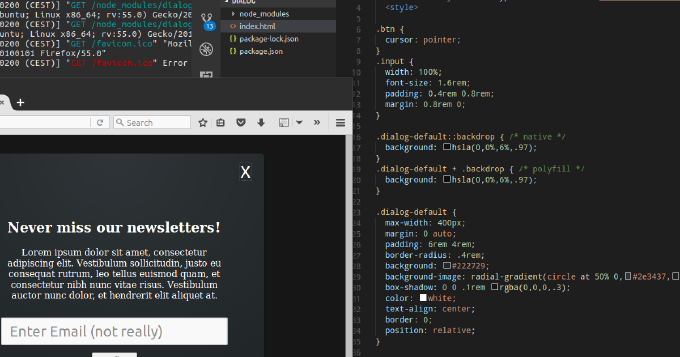
Whats common among UI components like expandable, collapse, dropdown menu, tree navigation, popover? You can achieve all of them by using HTML elements details and summary. Moreover, you can leverage dialog element to build modals, overlays and dialog windows. You can utilize input types such as week, month, datetime, datetime-local instead of plugging in 3rd-party datepickers. You can make img element load images from different sources depending on viewport, DPI, mobile device orientation or browser support for new graphical types. Not all of these features are fully supported by popular user-agents. Yet we can enable them already with polyfills. So why struggle with outdated libraries for common repeating tasks? Why not embrace the power of standardized built-in browser elements? This article describes the new elements of HTML and shows usage examples natively and with polyfills.
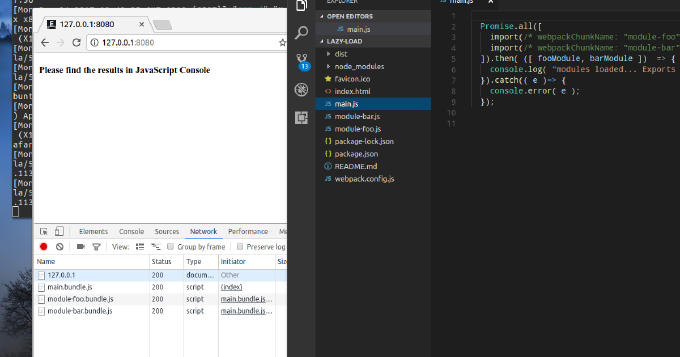
When talking about modules in terms of JavaScript what come on the mind first are CommonJS and AMD. Yet, its 2017 and we have the native module system in JavaScript. We have already Google Chrome, bundlers and loaders that resolve ES2015 modules. Besides by using Webpack we can combine dynamic and compiled modules to improve user response time. This blog post introduces the reader into JavaScript modules in general and into ES2015 module system in particular. It also explains how one can split the application into modules where some are bundled and some loaded on demand.
I always fancied to write a book that would combine most of my programming experience gathered over two decades. Packtpub gave a chance that I embraced gratefully. And here we are, half a year of efforts paid off and my book is live
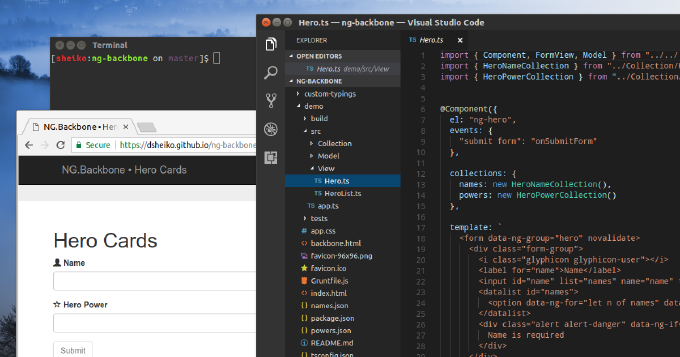
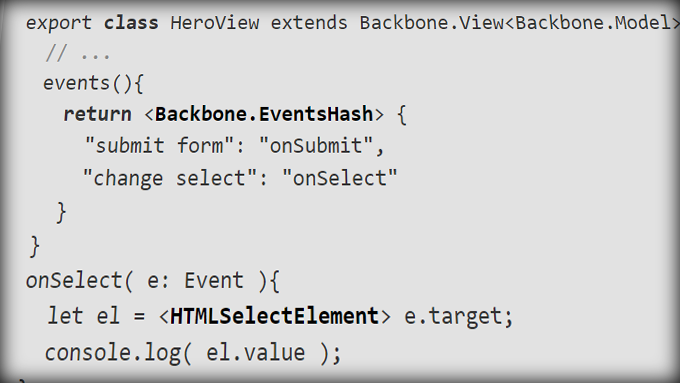
Ive been working with Backbone for years and it suited me pretty well. I do love its conciseness. It gives the desired abstraction and yet leaves you at the full control of your app. When you need to know what exactly is happening in your app behind your code, its matter of minutes to go though the Backbone annotated sources and figure out the flow. Thats something you hardly can afford with other frameworks such as Angular, React, Vue or Amber. Besides its ridiculously small - its less than 8Kb without dependencies where the dependencies can be dropped if you go with Exoskeleton and Backbone.NativeView. I know that few today care about download size, but I do as it still affects the user response time.
As developers we spend a lot of our time on debugging and particularly on spotting the source of a problem. DevTools guides us though the call stack, but the tracing process can be still pretty time consuming, especially on a cascade of asynchronous calls. The remedy here is early problem reporting.
Modern application get complex, we cannot go without automated testing. The canonical agile testing quadrants are split to technology-facing and business-facing tests. As for technology-facing testing I believe nowadays everybody has dealt with unit-tests. Thus we make sure that the smallest parts of the system act as intended in isolation. Also we use component tests to verify the behavior of large parts of the system and integration tests to check if communication between object isnt broken. The entire quadrant is all about programmer low-level tests proving that the code meets all the design requirements. These tests are meant to control internal quality, to minimizes technical debt, and to inform dev-team members of a problem of early stages.
Business-facing (or acceptance) tests describe the system in non-programming terms and they ignore the component architecture of the system. Here we know testing techniques such as functional, story-based, prototypes, simulations. Apparently in web-development the most demanded approach is end-to-end testing. This one is performed on the application level and tests whether the business requirements are met regardless of app internal architecture, dependencies, data integrity and such. Actually we make the test runner to follow the end-user flows and assert they get the intended experience.
Nowadays JavaScript evolves fast. We have ECMAScript 6th and 7th editions released over just 2 years. the current support of ES6 specification in major browsers is close to 100%. So the language changed, and changed for better. It has become more expressive, much more concise and readable. It is tempting to jump into, but what about older browsers? Transpilers can translate ES.Next into the old-good JavaScript of ECMAScript 5th edition.
Then the question is which transpiler to pick up? Babel (https://babeljs.io/) is still on the rise, but look what is happening to TypeScript. Since it was chosen for Angular2 it is gaining its momentum. Why have they decided for TypeScript? Because its much more than transpiler. TypeScript enhances JavaScript with optional features such as static typing, interfaces, abstract classes, member visibility and more. Thats a completely new level, not available in plain JavaScript.